Mailgun
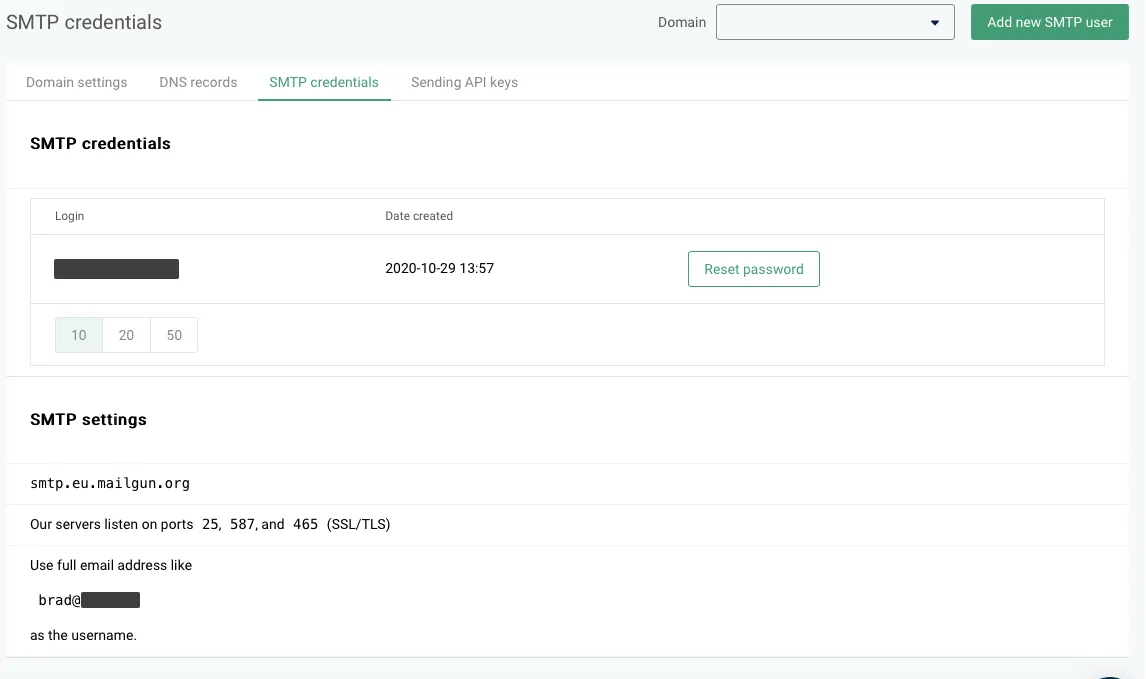
To successfully set up an integration with Mailgun, you'll have to make some changes to your DNS records and collect data for the following fields on the integration card:
- Domain
- Host
- SMTP login
- SMTP password
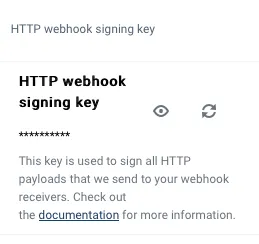
- HTTP webhook signing key
DNS records
- On the Mailgun dashboard, head to Sending > Domain settings > DNS records.
- In the SPF section, copy the value under 'Enter this value' and add it to your DNS records
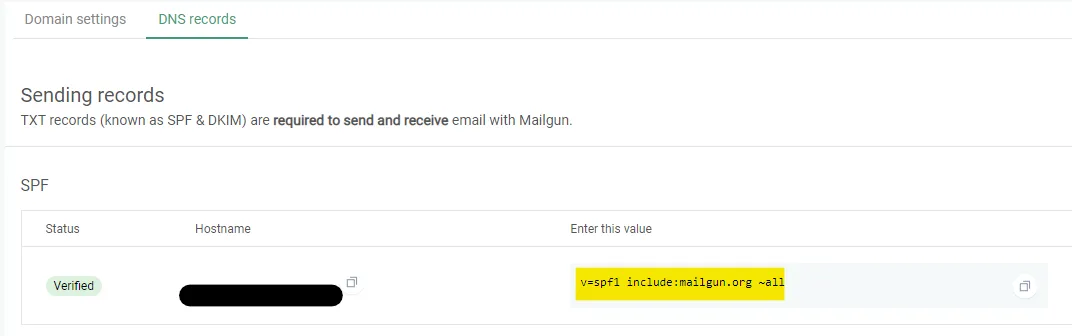
SPF section
Scroll down to the DKM section:
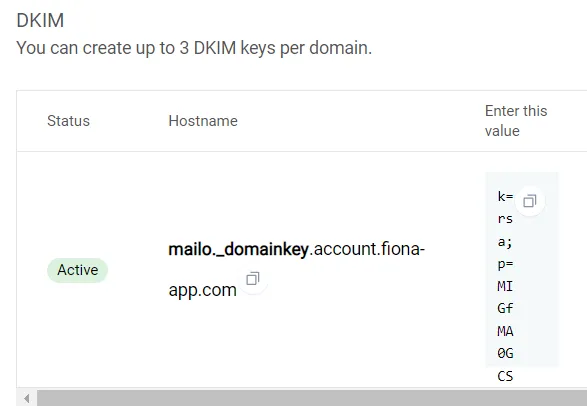
DKM section