Whereby
To successfully set up an integration with Whereby, you need to generate an API key and mark the industry platform's domain as the allowed domain.
Go to your Whereby dashboard to:
Collect the API key
- Open the Configure page of the dashboard
- Hit the Generate key button and create a new API key.
- Save the key, copy it to a secure place and then into Fiona
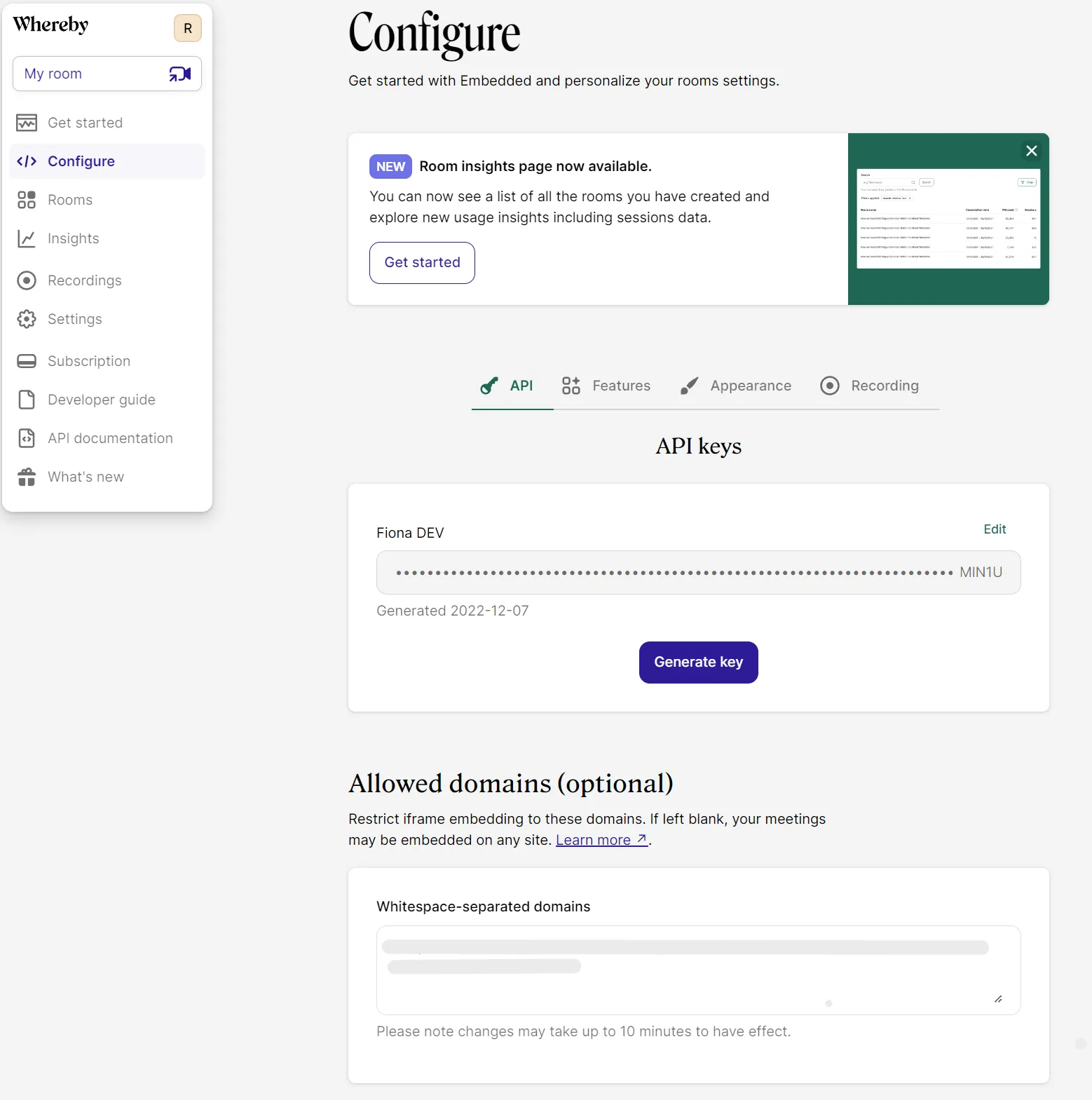
Whereby dashboard
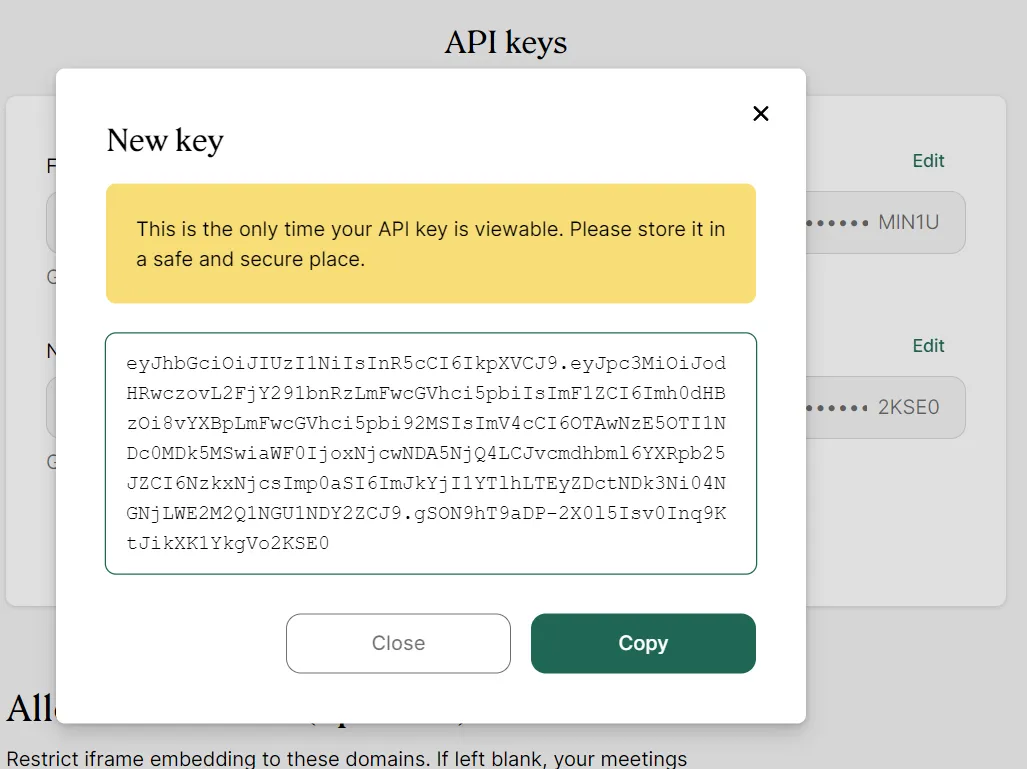
Copy API key
Then, you can set up the:
Allowed domain
Simply copy your industry platform's domain from Fiona's integration card to the Allowed domains section on Whereby's Configure page.