Adyen
To successfully set up an integration with Adyen, you need to generate data for six different fields:
- API endpoint
- API key
- Merchant account
- Notification username
- Notification password
- Webhook URL (this will be prefilled)
Head to your Adyen dashboard to:
Collect the API endpoint + key
Live endpoints are set up automatically, they can be found in the Developers section under API URLs. You can set up a test endpoint with https://checkout-test.adyen.com/.
For the key:
- Go to the Developers section and subsequently, API credentials
- Create a new credential or select an existing one
- Under the Server settings section, head to the API key tab and hit the generate button
- Copy the key to Fiona
Merchant account
Click on your account name and check your related accounts for the merchant account name.
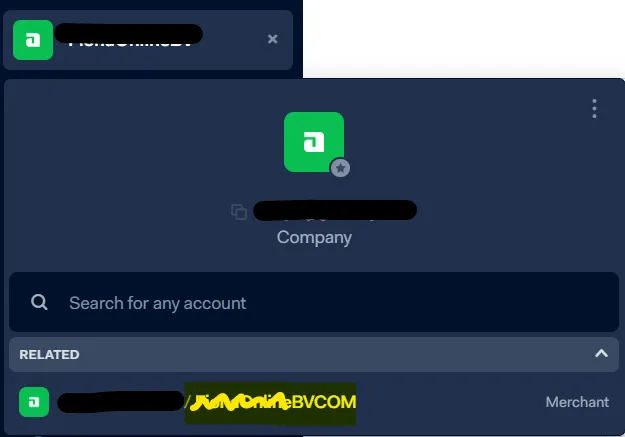
Merchant account
Notification username + password
These settings you can set up as you please!